MPVI3 vs MPVI2+ vs MPVI2: Which HP Tuners Interface You Actually Need
If you are getting into tuning, the interface is the first thing you buy and the one people overbuy. Here is what each MPVI generation actually does, which features matter for a first build, and what to spend.
By TuneVault
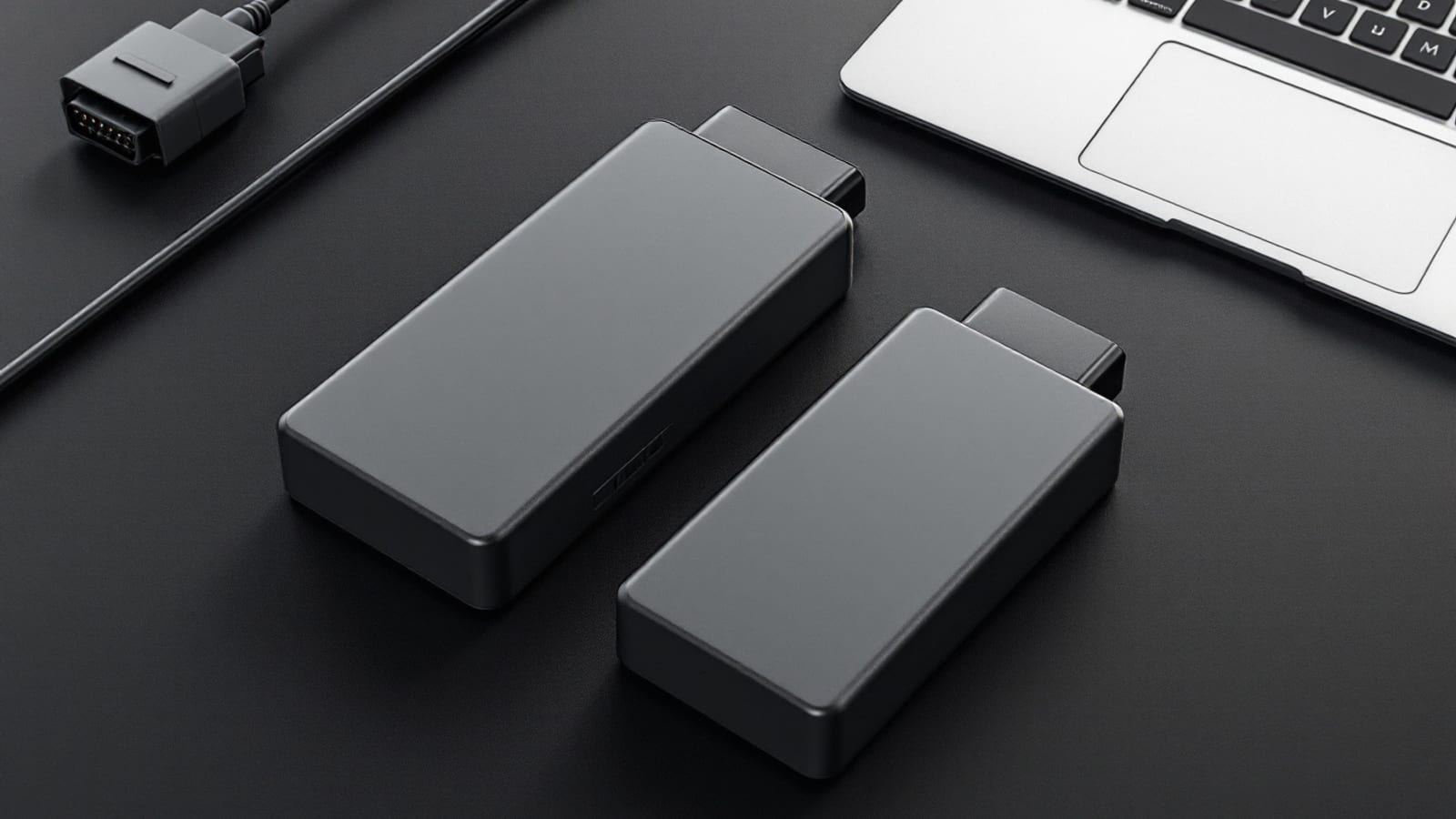
If you are starting from zero, buy the current-generation interface with standalone logging, and add external analog inputs only if your build is boosted. As of August 2026 that means an MPVI3 for most first-time buyers, at roughly the cost of a single custom dyno session, with vehicle licensing on top.
That is the short answer. The longer answer is worth reading, because the interface is the first purchase people make and the one they most often get wrong in both directions — overspending on capability they will not use for two years, or saving money on a used unit that arrives with a problem attached.
What the interface actually does
It helps to be precise about the role of the hardware, because a lot of buying confusion comes from expecting the box to do things the box does not do.
The interface is a bridge. It sits between your laptop and the vehicle's diagnostic port and handles three jobs:
- Reading the calibration out of the controller so you have a file to work with.
- Writing a modified calibration back into the controller.
- Logging live data off the vehicle bus while the engine runs.
That is the whole job. It does not decide which vehicles are supported, it does not contain the tuning software, and it does not make any judgement about whether the file you are about to write is safe. Those are software, licensing and skill questions respectively. If your car is not covered by the software, no interface fixes that — see our walkthrough of coverage, credits and VIN licensing before you spend anything at all.
The generations, plainly
| Capability | MPVI2 (base) | MPVI2+ / enhanced | MPVI3 |
|---|---|---|---|
| Read and write supported controllers | Yes | Yes | Yes |
| Live logging with laptop attached | Yes | Yes | Yes |
| Standalone logging with no laptop | No | Yes | Yes |
| External analog sensor inputs | No | With Pro feature set | With Pro feature set |
| Current generation for new support | No | No | Yes |
| Typical position | Used market only | Used market | New purchase |
Two things in that table matter more than the rest.
Standalone logging is the difference between capturing the drive that shows your problem and not capturing it. With a laptop tethered you log when it is convenient to have a laptop in the car, which in practice means a handful of deliberate sessions. With standalone logging you arm it and drive normally, and the intermittent thing that only happens on the highway on a hot afternoon eventually lands in a log. Since the log is the only honest feedback in the entire tuning process, anything that raises your logging rate improves your tune.
External analog inputs are the Pro feature set. They let a wideband, a fuel pressure transducer or a boost sensor feed into the interface so their values appear on the same timeline as the ECU channels. On a boosted build that alignment is the whole point: you want commanded fuel, measured lambda, knock retard and fuel pressure on one timeline so you can see which moved first. On a mild naturally aspirated car you can live without it for a while, though a wideband is still worth having in some form.
The used-market question
Used interfaces come up constantly, and the honest answer is that the discount is often real and the risk is often understated.
What to establish before you send money:
- Which feature set the unit actually has. Sellers describe hardware loosely. Base and enhanced units look similar. Ask directly, and treat silence as base.
- The licensing and credit position. An interface's value to you assumes you can use it on your vehicle. Confirm what is and is not attached to the unit rather than assuming it arrives blank.
- Whether it has been used for something you would rather not inherit. A unit with an unclear history on a vehicle you know nothing about is a cheap unit for a reason.
- That it is the real thing. Counterfeit tuning hardware exists, it is priced attractively, and it fails at exactly the moment you least want hardware to fail — mid-write.
A used base MPVI2 at a genuinely low price, going onto a car you have already confirmed is supported, is a defensible purchase for a patient first build. A used unit at a small discount over current hardware, with vague answers on any of the four points above, is not.
What the interface does not solve
New tuners routinely buy hardware expecting it to answer questions it cannot answer. The interface will happily read your calibration and hand you several thousand cells of tables, and then it is entirely up to you what to do with them. That gap between "I have the file" and "I know which number to change" is where most first builds stall.
Two things close it. The first is understanding the software itself — our first read, edit and write walkthrough covers the mechanics end to end. The second is a disciplined habit around files: a verified stock read saved before anything else, and a version history you can actually roll back through. We wrote a whole piece on tune file management because losing a good file is a self-inflicted injury that is entirely preventable.
TuneVault sits in exactly that gap. It reads your tables, audits them against your actual parts, and hands you specific changes with the reasoning attached — then verifies your datalog before you write anything more aggressive. The hardware moves the bytes; the hard part is deciding what the bytes should be.
Budgeting the whole entry, not just the box
The interface is the headline cost and rarely the largest one. A realistic first-year picture includes licensing for each vehicle you write to, a laptop you are willing to leave in a garage, a battery maintainer, and on a boosted build a wideband. Our first-year cost breakdown walks the categories in detail, and the cost comparison across dyno, e-tune and DIY puts the total against what the alternatives charge.
The one line item people skip and should not is the battery maintainer. Controller voltage dropping mid-write is the classic way to turn a functioning car into a flatbed ride. It costs very little relative to everything else in this hobby and it removes an entire failure mode.
Choosing, in three questions
Is your vehicle supported, with the controller you actually have? If no, stop. Nothing else matters yet.
Is the build boosted, or will it be within a year? If yes, plan for external analog inputs and a wideband from the start. Retrofitting the visibility after you have already been making boost is doing it in the wrong order.
Will you realistically log? If a laptop in the passenger seat is going to stop you, standalone logging is not a luxury. Buy it, and log constantly.
Answer those three and the hardware decision usually makes itself. For most first builds it lands on current-generation hardware, base feature set, plus a wideband if there is boost anywhere in the plan.
Where geography stops mattering
One of the quieter effects of this hardware becoming normal is that the local-shop question mostly went away. The interface, the software and the logs travel; the car does not have to. That is why our state coverage pages exist and why plenty of people in places with no performance shop within two hours now tune their own cars perfectly competently. If you would rather have a human in the loop remotely, our piece on remote tuning when there is no local shop covers how that arrangement actually runs.
The bottom line
Buy current-generation hardware unless a used deal is genuinely good and genuinely verified. Get standalone logging. Add analog inputs when there is boost. Budget for licensing, a laptop and a battery maintainer in the same breath as the interface, not afterwards.
And then remember the part the hardware cannot do for you: read the tables, understand what each one controls, change one thing, log it, and look at the log honestly. See our pricing if you want the analysis side handled while you keep the wrench work.
Frequently asked questions
Should a beginner buy the MPVI3 or a used MPVI2?
As of August 2026 a new MPVI3 is the more sensible first purchase for most people, because it is the current hardware, it is what new vehicle support is developed against, and it includes standalone logging that a plain MPVI2 does not. A used MPVI2 can still be a good buy if the price is genuinely low and the seller can confirm the credit and licensing situation, but a cheap interface with a surprise attached to it is not a bargain.
What is the difference between MPVI2 and MPVI2+?
The plus designation refers to the added capability set rather than a different physical generation. In practical terms the enhanced units add analog inputs for external sensors such as a wideband, and standalone datalogging that runs without a laptop connected. If a listing does not clearly state which feature set a used unit has, treat it as the base version until proven otherwise.
Do I need the Pro feature set?
Not to tune a normal street car. The Pro feature set matters when you want to log external analog sensors directly into the interface — a wideband, a fuel pressure transducer, a boost sensor — so the values land in the same log timeline as the ECU data. That is genuinely valuable on a boosted build, and largely unnecessary on a mild naturally aspirated one.
Does the interface itself determine which cars I can tune?
No. Vehicle support is a function of the software and the credit or licensing model, not the plastic box. The interface handles the physical connection and the data transfer. Before buying anything, check that your specific year, make, model and controller are supported, because an interface that fits every OBD port still cannot tune a controller the software does not cover.
Can I use one interface on more than one car?
Yes. The interface is not tied to a single vehicle. What is tied to a vehicle is the licensing that permits writing to that particular controller, which is consumed per vehicle. So one interface across a garage of cars is normal, and the recurring cost scales with how many distinct vehicles you write to.
Is standalone logging worth paying for?
It is worth a lot more than most first-time buyers expect. Standalone logging means the interface records while you drive without a laptop riding in the passenger seat, which makes it far more likely you actually capture the drive that shows the problem. Anything that lowers the friction on datalogging improves the tune, because the log is the only real feedback you get.
What else do I need besides the interface?
At minimum a laptop that can survive a garage, a battery maintainer so voltage never sags during a write, and licensing for your vehicle. On any forced-induction build add a wideband. Budget for those alongside the interface rather than after it, because a write that fails on low voltage is the single most avoidable way to have a bad day.